Estimate the continuous current a copper or aluminum busbar can carry — by cross-section, layer count, ambient temperature and mounting — on the IEC 61439-style 30 °C rise basis. Free planning tool from SHANYUAN engineering.
Enter the bar geometry, material, ambient and mounting. The tool interpolates the reference base table for the total copper (or aluminum) cross-section and applies the derating multipliers you can see in the result panel. Values are planning estimates — read the assumptions and limits before sizing a released part.
The tool follows a transparent four-step chain so you can audit every number rather than trust a black box. Each step is shown in the result panel, so a buyer, design engineer or purchaser can read exactly which multiplier moved the rating.
Step 1 — Total conductor area. The calculator sums the full copper (or aluminum) cross-section from the geometry you enter:
Total area (mm²) = Width × Thickness × Layers
For example, a single 30 × 5 mm bar is 150 mm²; the same geometry in a two-layer laminated stack is 300 mm². Layers are treated as parallel conductor area under an even current-sharing assumption — see assumptions for why that assumption is a planning simplification, not a release condition.
Step 2 — Interpolate the base ampacity. The base table below is for C11000 copper, a single flat bar in free air, at a 30 °C rise over 40 °C ambient, valid for DC and for 50/60 Hz AC. The calculator finds the two bracketing rows by total area and interpolates linearly between them. If the total area exceeds the largest reference point (600 mm²), it extrapolates gently using the slope between the last two rows and flags the result as extrapolated.
Step 3 — Apply derating multipliers. Every real installation is harsher than free air at 40 °C. The calculator multiplies the base rating by three independent factors, stacked multiplicatively (not subtracted):
Step 4 — Report the result. The estimated continuous current is the product of steps 2 and 3. The tool also reports current density, I = area, in A/mm², which is a useful cross-check against typical design windows (roughly 1.5–4 A/mm² for naturally cooled copper). The temperature-rise basis — 30 °C rise above 40 °C — is always stated next to the number.
The arithmetic is deliberately simple and linear. Real thermal behavior is nonlinear with temperature (copper resistance rises about 0.4 %/°C), but within a 30 °C rise window the linear multipliers are the accepted engineering planning method, and they match the factors published on this site's busbar design guide. Forced-air cooling, altitude above 1000 m, pulsed duty and dielectric temperature class are outside this tool's scope and are flagged in the limits section.
IEC 61439 (low-voltage switchgear and controlgear assemblies) does not hand you a current number. It defines a temperature-rise verification: under rated current, no accessible part and no insulation system may exceed the temperature rise the design assumes. This calculator uses that same methodology as its starting point — a defined rise (30 °C) on a defined ambient (40 °C) — and then derates for the way a real bar is mounted. It is a planning use of the method, not a declaration of IEC 61439 certification for any product.
| Factor | Calculator multiplier | Basis |
|---|---|---|
| Ambient 40 °C baseline | ×1.00 | Reference condition; 30 °C rise lands the conductor near 70 °C |
| Ambient above 40 °C | ×(1 − 0.01 × (T_amb − 40)) | −1 % per °C above 40 °C; no uplift below 40 °C |
| Free air, single bar | ×1.00 | Reference mounting; both faces convect |
| Enclosed / still air | ×0.85 | Reduced natural convection; within −10 to −25 % typical range |
| Side-by-side / bundled | ×0.80 | Adjacent conductors heat each other; within −10 to −20 % typical range |
| Copper C11000 | ×1.00 | Reference conductor |
| Aluminum 6101 | ×0.61 | ≈61 % IACS; needs ≈1.6× area for equal current |
The key habit the table teaches is that derating multiplies. A 450 A free-air bar moved into a sealed cabinet at a 60 °C ambient does not become "450 minus 20 minus 15 %". It becomes 450 × 0.80 (ambient) × 0.85 (enclosed) ≈ 306 A. Treat each row as an independent multiplier and stack them. This is exactly the worked example on the ampacity chart page, where a 450 A bar in a sealed cabinet at 60 °C lands near 290 A (using a round −20 % enclosure estimate instead of this tool's 0.85).
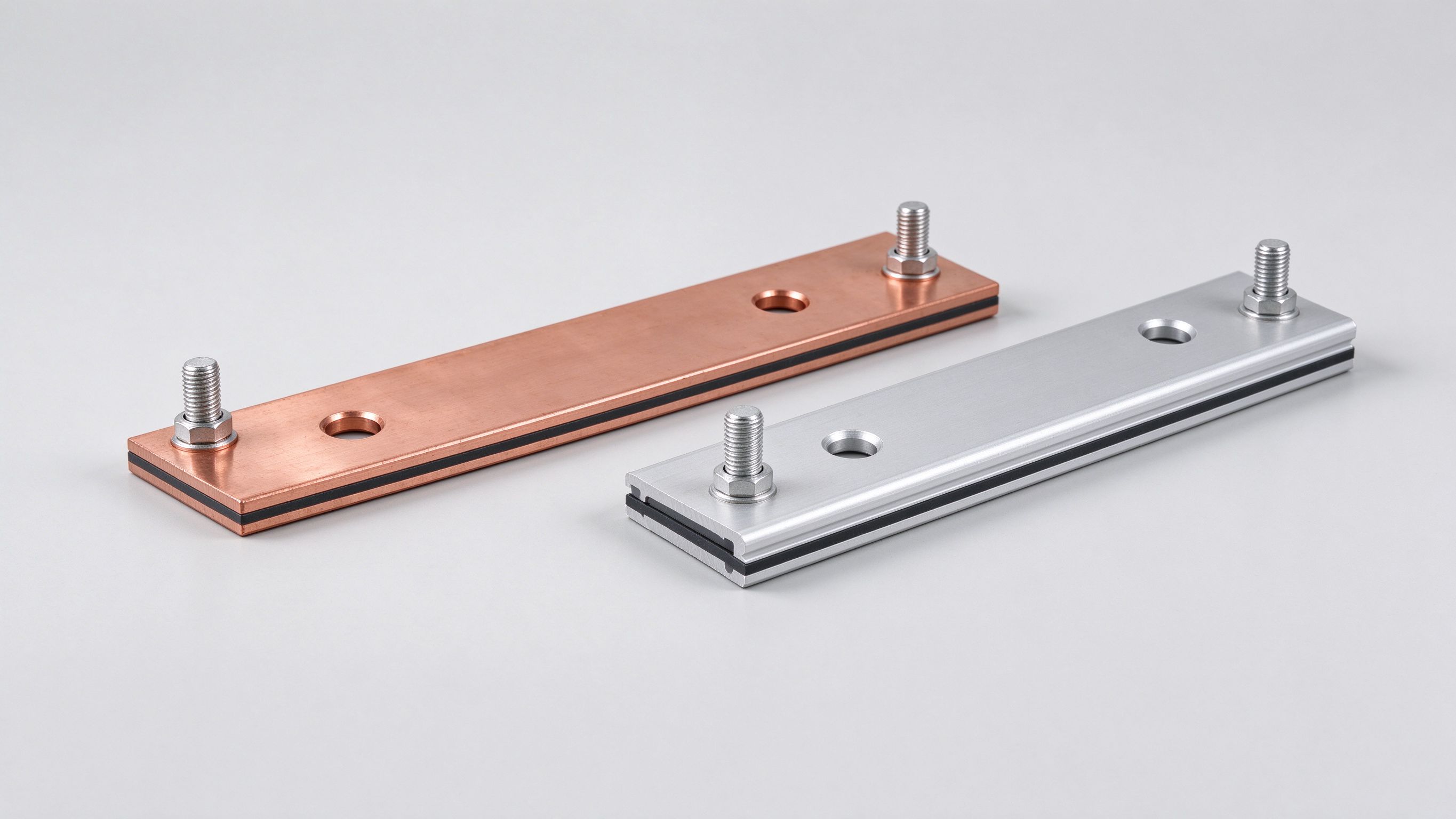
Two further ceilings the multiplier table cannot express deserve a sentence each. First, the dielectric temperature limit: the copper may survive 120 °C, but a 105 °C film system does not. A 130 °C high-temperature dielectric lets the same copper carry roughly 20–30 % more current; that choice is part of sizing, not a separate step. Second, altitude above roughly 2000 m thins the air and cools worse — derate both current and voltage class; this tool does not include an altitude factor, so add engineering margin for high-altitude installations.
This is the exact base table the calculator interpolates against. Values are for C11000 copper, a single flat bar mounted horizontally in free air, at a 30 °C rise over 40 °C ambient, valid for DC and for 50/60 Hz AC. AC and DC columns are nearly identical at line frequency because skin depth in copper at 50/60 Hz exceeds every bar thickness listed; they only diverge as frequency rises.
| Cross-section (mm) | Area (mm²) | DC current (A) | AC 60 Hz (A) |
|---|---|---|---|
| 10 × 3 | 30 | 150 | 150 |
| 15 × 3 | 45 | 200 | 200 |
| 20 × 3 | 60 | 250 | 250 |
| 25 × 3 | 75 | 300 | 295 |
| 30 × 5 | 150 | 450 | 440 |
| 40 × 5 | 200 | 550 | 535 |
| 50 × 5 | 250 | 650 | 630 |
| 60 × 6 | 360 | 800 | 770 |
| 80 × 6 | 480 | 1000 | 960 |
| 100 × 6 | 600 | 1150 | 1100 |
These are planning reference values, not release specifications. Every released SHANYUAN part is sized against your actual mounting, ambient and cooling, and the sizing sheet travels with the quotation. For stock conductors, browse our copper bar stock and aluminum busbar ranges; for engineered laminated assemblies, the same geometry enters our DFM review process described in the design guide.
Two readings worth making before you rely on a row. First, doubling the area does not double the rating — the curve is sub-linear, because a thicker, wider bar has proportionally less cooling surface per unit of heat. Second, the gap between DC and AC at 60 Hz is only a few percent on the largest bars; if your frequency climbs above roughly 1 kHz, skin and proximity effects dominate and the AC column no longer applies. The calculator flags AC inputs above line frequency and asks you to consult engineering rather than guess.
Four configurations show how the chain behaves. Each one is reproducible in the calculator above by entering the same inputs.
Example 1 — Free-air copper baseline. A single 30 × 5 mm copper bar (C11000), 40 °C ambient, free air, DC. Total area = 150 mm²; the base table gives 450 A at that area. No derating applies (ambient factor 1.00, mounting 1.00, material 1.00). Result: ≈450 A, current density 450 / 150 = 3.0 A/mm². This is the reference condition; everything else compares to it.
Example 2 — AC at line frequency. A single 50 × 5 mm copper bar, 40 °C ambient, free air, AC 50–60 Hz. Total area = 250 mm²; the AC column gives 630 A. No derating. Result: ≈630 A, current density 630 / 250 = 2.5 A/mm². Notice the AC number is slightly below the 650 A DC figure at the same area — the small skin-effect gap on the reference row.
Example 3 — Hot, enclosed, two-layer stack. A 30 × 5 mm copper bar built as a two-layer stack (total area = 300 mm²), installed in a sealed cabinet at a 60 °C ambient, DC. The calculator interpolates the 300 mm² area between the 250 mm² (650 A) and 360 mm² (800 A) rows, landing near 718 A base. It then applies ambient 60 °C → ×0.80 and enclosed still air → ×0.85. Result: ≈488 A. For comparison, the ampacity chart's narrative treats a single 30×5 bar in the same hot, sealed enclosure as 450 × 0.8 × 0.85 ≈ 306 A — the difference is exactly the layer-area interpolation (300 mm² versus 150 mm²) the calculator applies under its even-sharing assumption. Real laminated stacks derate further because of layer sharing, so treat 488 A as an optimistic planning ceiling and confirm with DFM.
Example 4 — Aluminum substitution. A single 30 × 5 mm aluminum 6101 bar, 40 °C ambient, free air, DC. Copper base at 150 mm² is 450 A; the material factor ×0.61 brings it to ≈275 A, current density 275 / 150 = 1.8 A/mm². To match 450 A in aluminum you would need roughly 1.6× the copper area — about 240 mm², i.e. a wider or thicker section. This is the engineering trade-off explained on the copper vs aluminum page: aluminum saves weight and cost but demands more cross-section.
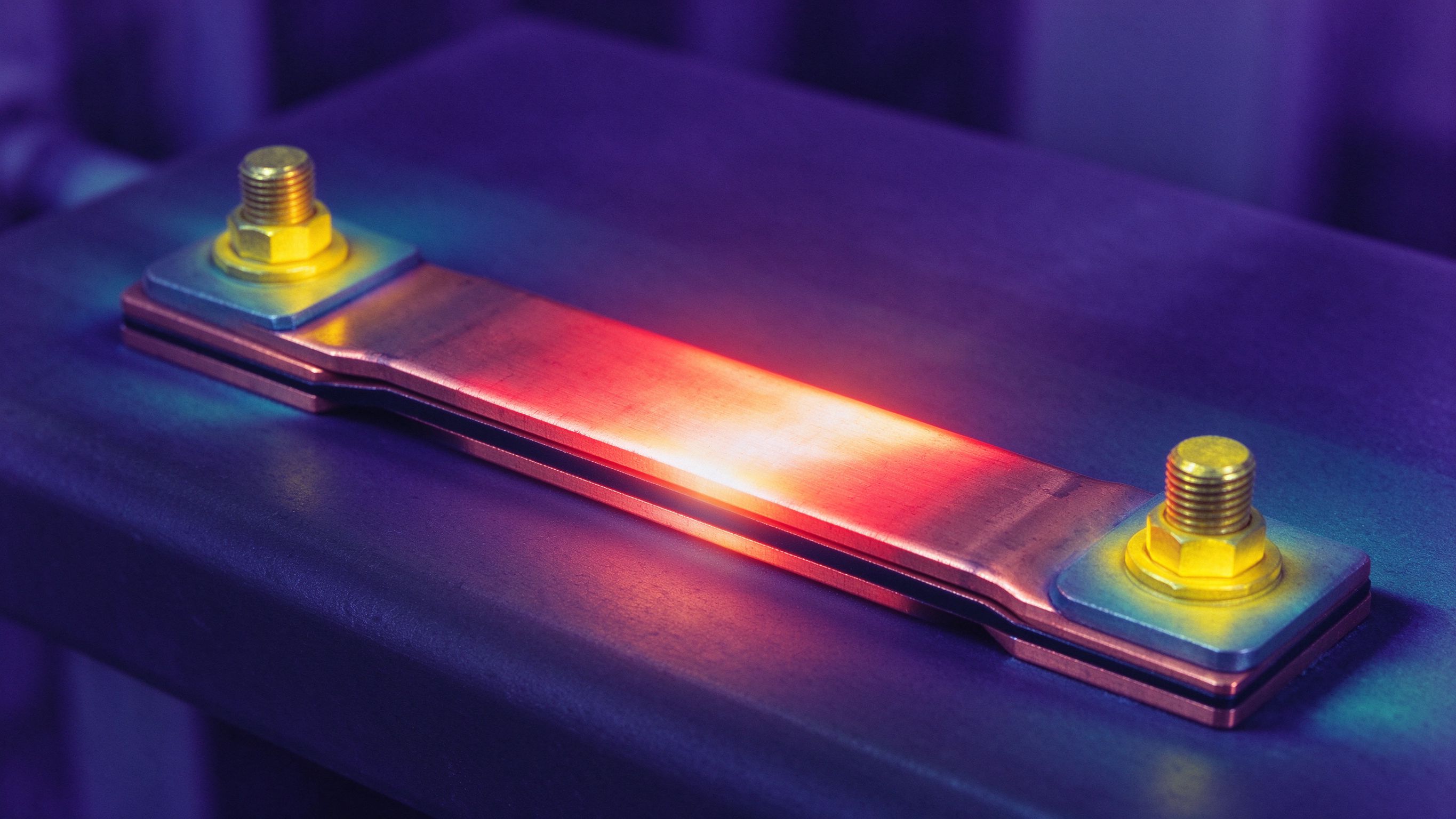
Across all four examples, the pattern is the same: start from the interpolated base rating, then multiply by the ambient, mounting and material factors. If a result looks too optimistic, the most common cause is assuming free air when the real installation is an enclosed cabinet, or ignoring that a hot enclosure ambient adds a second 20 % loss on top of the enclosure itself. Send us the actual installation conditions and we will reproduce the calc on your drawing and document it with the quotation via contact.
This calculator is a planning tool, not a release specification. The following assumptions are baked into the numbers, and each one is a place where real engineering can move the result.
Because these assumptions stack, a prudent design engineer sizes the bar for the calculated current plus a 15–25 % margin, then confirms the resulting conductor temperature against the dielectric class. We do this reproduction for every quotation: send the current profile, voltage class, enclosure ambient and cooling mode, and we return a recommended cross-section, layer count and dielectric choice with the calculation documented. Stock conductors are listed under copper bar stock and aluminum busbar; engineered assemblies start with contact. When you move from sizing to supplier selection, the how to choose a busbar manufacturer checklist covers the due-diligence dimensions behind the quote.
It estimates the continuous current a copper (C11000) or aluminum (6101) busbar can carry in free air at a 30 °C rise above a 40 °C ambient, then applies multiplier derating for ambient temperature, mounting and material. It is a planning estimate for sizing, not a certified rating for a released part.
Ampacity tables express the current that holds the conductor at a defined rise over ambient. The 30 °C rise basis — landing near 70 °C on a 40 °C ambient — matches the IEC 61439 temperature-rise verification methodology and keeps a 105 °C dielectric system within margin. Picking a different rise directly changes the allowable current.
Choose the material in the calculator. Aluminum 6101 carries about 61 % of the current of the same copper cross-section (roughly 61 % IACS conductivity), so the calculator multiplies the copper base rating by 0.61. To match a copper rating in aluminum, the cross-section must be larger — about 1.6× the copper area, as explained on the copper vs aluminum page.
Sealed or still-air enclosures reduce natural convection. The calculator applies a 0.85 multiplier for enclosed still air (about a 15 % derate, within the typical 10–25 % range), on top of any ambient-temperature derate. A hot enclosure ambient and a sealed box compound multiplicatively — 450 A at 60 °C in a sealed cabinet lands near 306 A, not 450.
Adjacent conductors heat each other and reduce the airflow between them. The calculator applies a 0.80 multiplier for bars mounted side by side (about a 20 % derate, within the typical 10–20 % range). In laminated stacks, current sharing between layers also depends on terminal symmetry and must be reviewed at DFM rather than assumed.
No. IEC 61439 is used here only as the temperature-rise verification methodology. The output is a reference estimate; the final rating must be verified by engineering calculation and, where required by the customer, type-testing on the actual assembly. This page does not claim product certification.
At 50–60 Hz, skin depth in copper exceeds typical bar thickness, so the AC and DC columns are close. Above roughly 1 kHz, skin and proximity effects push current to the surfaces and waste the conductor center. The calculator flags this and recommends consulting SHANYUAN engineering rather than extending the 60 Hz AC column.
Send the current profile, voltage class and installation conditions — we will size the busbar and document the calculation with your quotation, typically within one business day.
The calculator gives you a planning number. A released SHANYUAN busbar comes with a documented sizing sheet, DFM review and thermal verification — free with your quotation.